
Top Five Reasons To Use A Password Manager
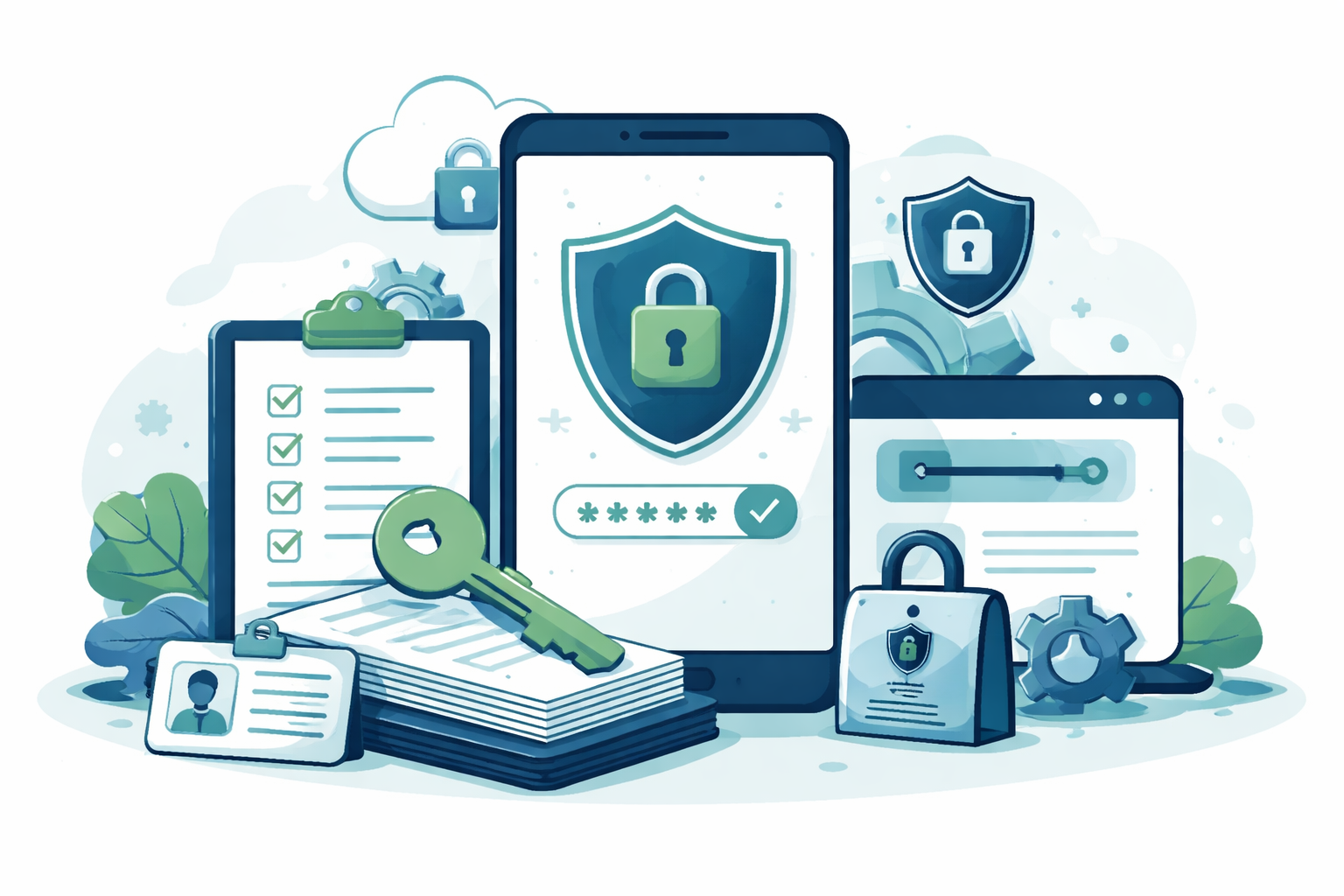
A password manager makes it easy to create, store, and use strong, unique passwords. If you're not using one yet, here are five reasons to start today.
1. Avoid Getting Hacked
A password manager protects you by generating and storing a different strong password for every website you use. That way, if one account gets compromised, the damage stops there. A hacked Netflix password won't give anyone access to your bank account or your email.
2. Save Time and Energy
No more cycling through five password variations hoping one works — and locking yourself out in the process. No more texting your spouse for a login and waiting two minutes for a response while the site times you out.
(Hypothetically speaking. This happened to a friend.)
3. Take Action on Financial Tasks
This is where a password manager quietly pays dividends. Here are two examples that come up often with ER docs:
"Refinancing my mortgage would be a hassle — the bank wants so much documentation." The bank typically requires two months of paystubs, bank and investment statements, and your last two tax returns. With a password manager, you can pull all of that together in about 15 minutes.
"My bank's service is terrible, but switching feels impossible with 20 autopayments set up." Pull up last month's bank history, log into each provider using your password manager, and redirect each autopay to your new bank (or credit union). It takes about half an hour — a worthwhile half hour that beats 20 more years of poor service.
4. Access Across All Your Devices
Your password manager works on your phone, tablet, and desktop — and the autofill feature is especially valuable on mobile. Consider a password like this one, generated by your password manager:
r*v9x2j6YL%tPFWKNNKfMpRNBE4Y3qC3Ej6gRIy!hpMywQGhzv
Nobody wants to type that on a phone screen. Your password manager does it for you — instantly.
5. Share Passwords Securely
Need to share a login with your spouse or household? A password manager lets you share individual passwords securely, with control over whether the other person can see the password or simply use it.
Three reputable options as of this writing: 1Password, Bitwarden, and LastPass. ER Doc Finance has no financial relationship with any of them.
Ready to put this into practice? If you're an ER physician or high-income professional looking for straightforward, evidence-based financial guidance, we'd love to connect. Schedule a free intro call with Yahara Wealth Management — no pressure, no sales pitch, just a conversation.
This content is for educational purposes only and does not constitute personalized financial, legal, or cybersecurity advice. Please consult a qualified professional before making decisions based on your individual circumstances.