
Use A Password Manager To Avoid Getting Hacked
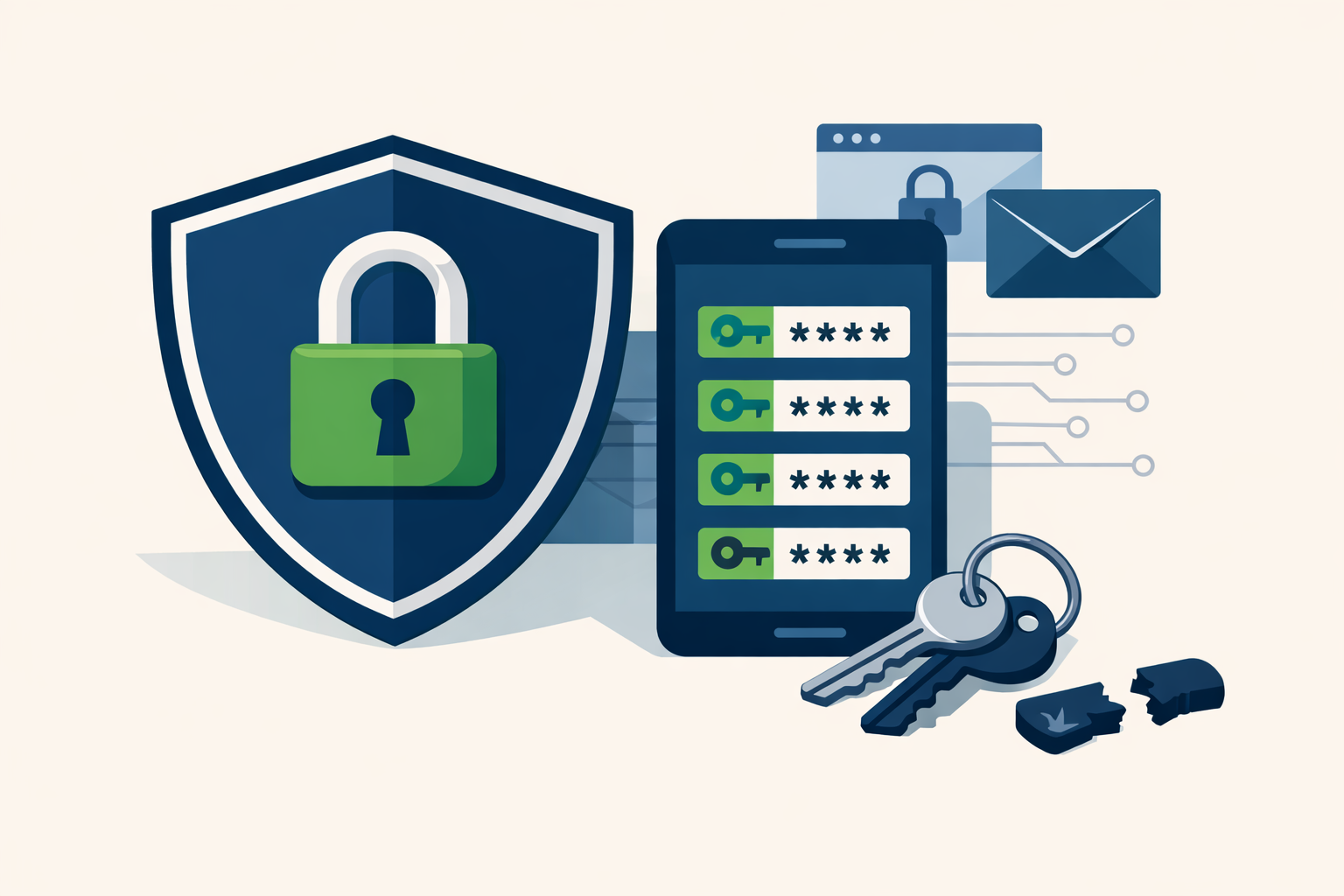
To avoid getting hacked, use a different strong password for every website. A password manager makes this easy.
In Theory
In theory, avoiding getting hacked is simple. Just use strong passwords.
Passwords should be:
Ridiculously long
Randomly generated
No birthday, dog's name, or "password123"
In Practice
In practice, it's a lot harder. A strong password creates two immediate problems:
How do you create one?
How do you remember it?
Actually, make that three:
How do you create and remember a different strong password for every website?
And four:
How do you manage all that when most of your passwords need to change every 90 days?
Don't Do This
We're all human. We want to log in, get the task done, and move on. That impulse leads a lot of people to cut corners on passwords:
Too simple. Too short, too obvious, too easy to crack.
Too few. Reusing the same password across sites because remembering multiple strong ones feels impossible.
That second one doesn't get enough attention. If someone hacks your Netflix account, they'll immediately try that same username and password at hundreds of financial institutions to see what else they can get into. Then they'll hit the major email providers and see if they can send phishing emails to everyone in your contacts.
One compromised password can cascade quickly.
Do This
Use a different strong password for every website.
Easier said than done — as of this writing, I have logins for 568 different websites. OK, some of those I only used once, but there are 115 I actively don't want compromised.
Even if that feels extreme, you probably have at least 10 critical accounts. One hack would be one too many:
Bank accounts, investment accounts, credit cards
Email accounts, work accounts, cloud storage
Medical records, social media — the list goes on
OK, I Get It. But How?
No one can hold hundreds of random passwords in their head, so you have to write them down somewhere. The question is where.
Old-school paper is actually not the worst option — a list in a secure spot at home can't be hacked remotely. But you can't access or update it when you're away from home.
A list on your phone, laptop, or in the cloud gives you access anywhere, but you're exposed if the device is lost or stolen, or if that cloud account gets compromised.
Either way, neither a paper list nor a spreadsheet will generate a new strong password for you when you need one.
The Solution: A Password Manager
A password manager is software that:
Stores a unique, strong password for every website
Randomly generates new strong passwords on demand
Syncs across all your devices
Lets you share individual passwords with others (e.g., a spouse or household member)
Runs quietly in the background once you're set up
My password manager makes it easy to protect all 115 sites I care about — and the 453 I don't. Bottom line: nobody's hacking my Netflix, and if they somehow did, it wouldn't matter, because that password doesn't open anything else.
Which one should you use?
The New York Times Wirecutter currently recommends 1Password and Bitwarden as top picks. Both are well-regarded by security experts.
ER Doc Finance has no financial relationship with any of these companies.
Ready to put this into practice? If you're an ER physician or high-income professional looking for straightforward, evidence-based financial guidance, we'd love to connect. Schedule a free intro call with Yahara Wealth Management — no pressure, no sales pitch, just a conversation.
This post is intended for general educational purposes only and does not constitute personalized financial, legal, or cybersecurity advice. Please consult a qualified professional for guidance specific to your situation.